Store visit planning
Assign outlets, plan practical routes and give each field rep a clear visit list.
Retail execution software South Africa
Plan routes, guide merchandisers through consistent retail audits and keep photos, GPS-linked visits, notes and customer activity together. SalesPro Hub helps FMCG and retail field teams replace scattered spreadsheets and chat threads with one reviewable workflow.
No credit card required. Test a real route and audit before rollout.
Channel coverage
Keep a common visit record while adapting questions, frequency and evidence to each channel. That gives management comparable data without forcing every outlet through an identical checklist.
Practical capabilities
Retail execution is useful when the workflow is simple enough for reps to complete and specific enough for managers to trust.
Assign outlets, plan practical routes and give each field rep a clear visit list.
Connect the visit record to a time and location so managers can review field coverage in context.
Standardise questions for availability, price, promotion, display and competitor observations.
Capture shelf, display and promotion photos alongside the audit instead of in separate chat threads.
Record out-of-stocks, facings and product observations using the fields your category team defines.
Review visits, submitted forms and follow-up records without rebuilding every report from spreadsheets.
SalesPro Hub captures shelf photos and structured audit evidence for review. We do not present automated computer-vision planogram scoring as a standard feature. Confirm any specialist image-recognition or ERP integration requirement during solution design.
In-store workflow
Assign the outlet, route and audit form. The rep sees the customer record and the work expected at the stop.
Check in, complete the required questions, add notes and take photos while the shelf and display are in front of the rep.
Managers review submitted evidence, compare coverage and route issues to the right commercial or operational owner.
Retail visit evidence
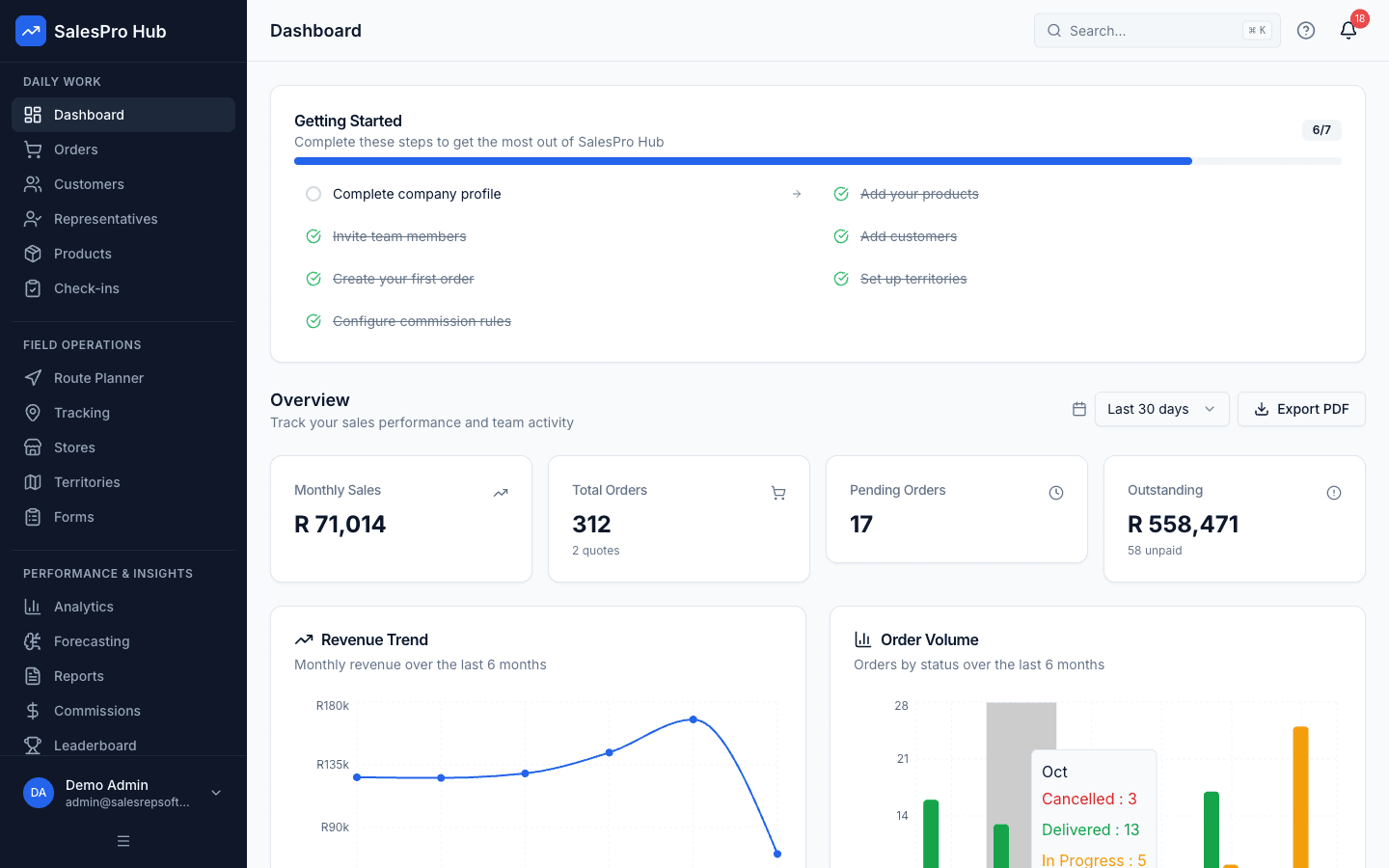
These product views and field scenes show the evidence chain: the visit, the audit, the territory and the manager report. Use the trial to reproduce that chain with your own outlet list and form.
Written and maintained by Paul · Updated 28 July 2026

Reps can record shelf conditions, pricing, availability and photos during a geo-located store visit.
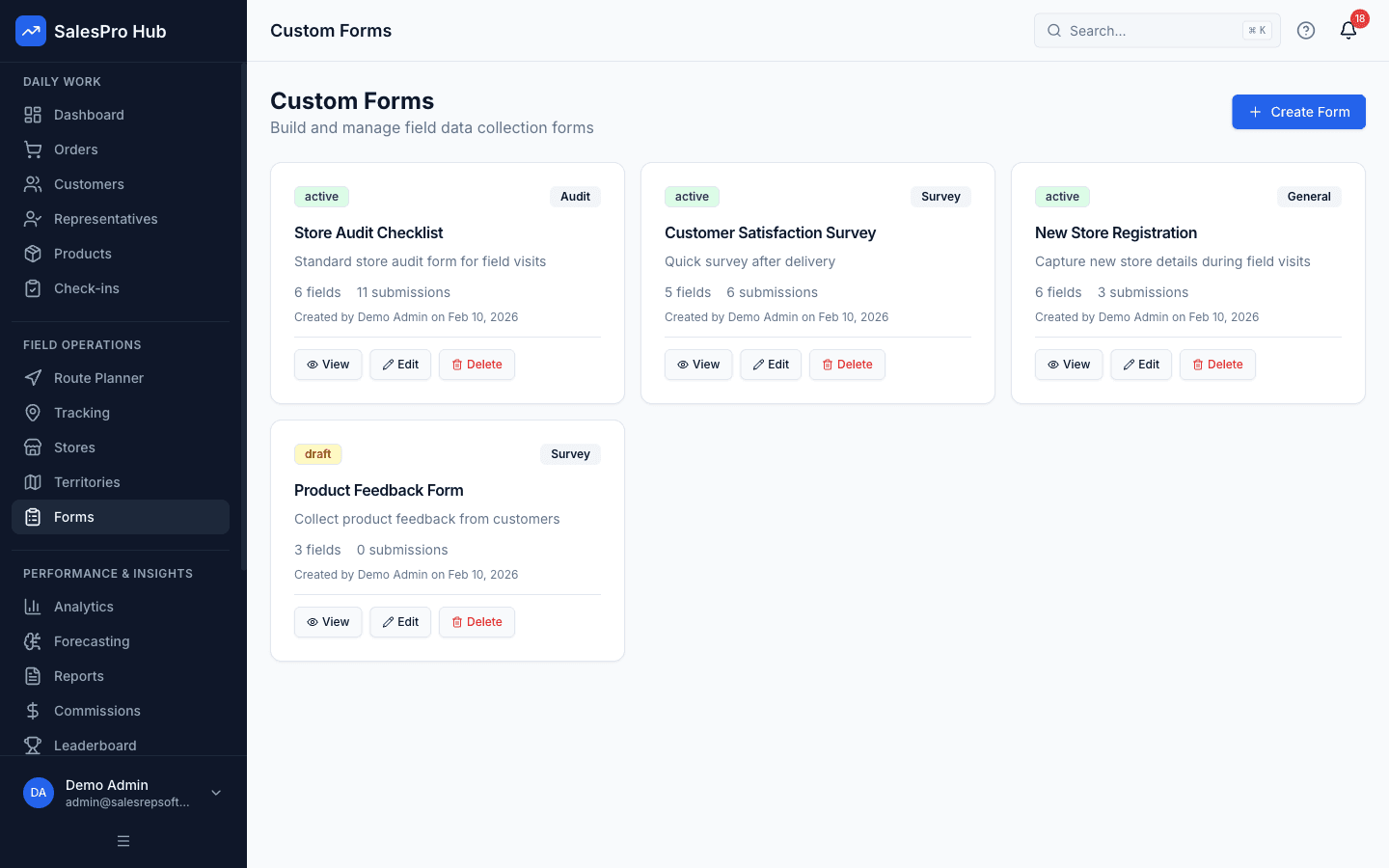
Use repeatable forms for availability, promotion checks, display compliance and competitor observations.
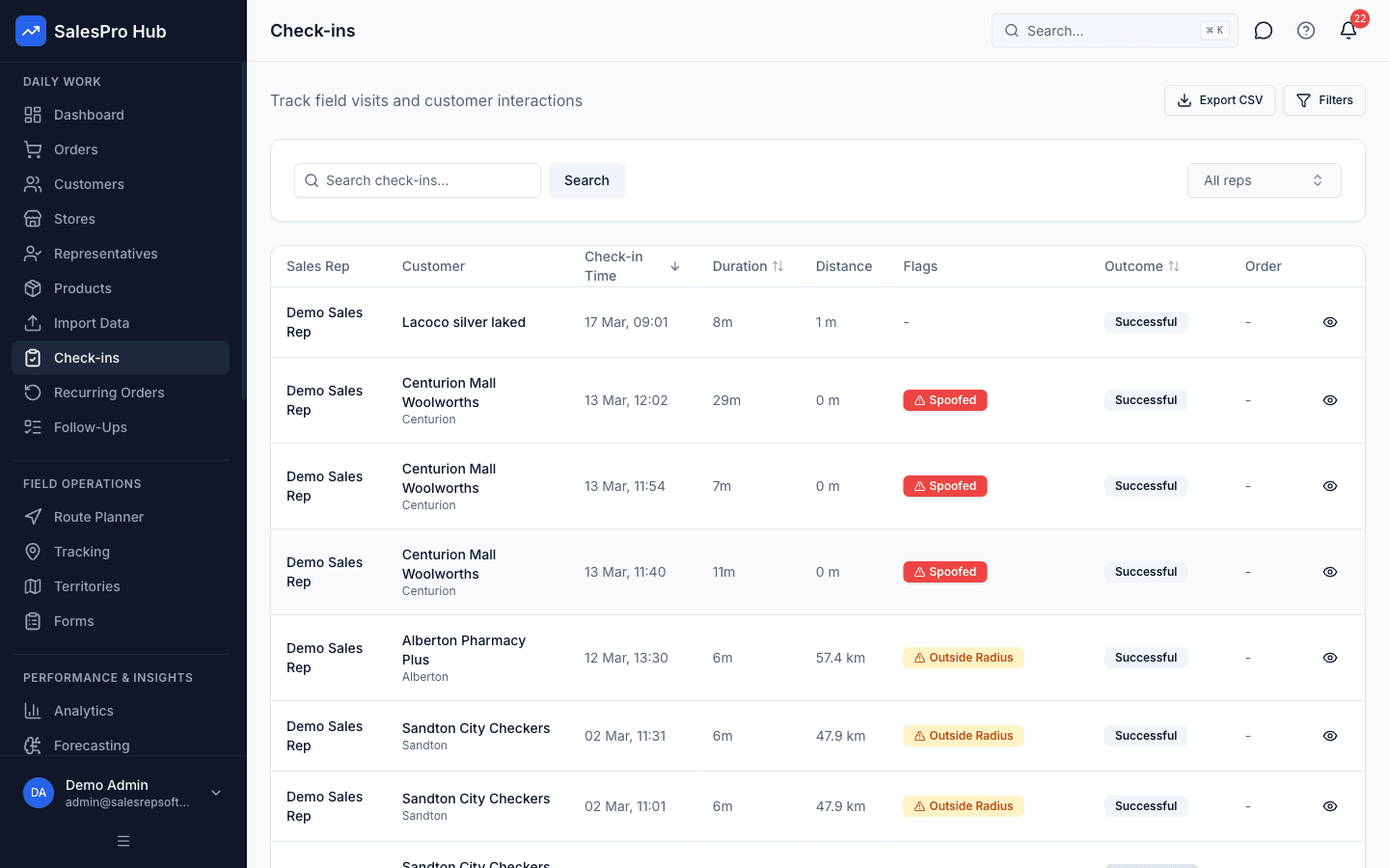
A time and location-linked check-in provides operational context for the audit submitted at the store.
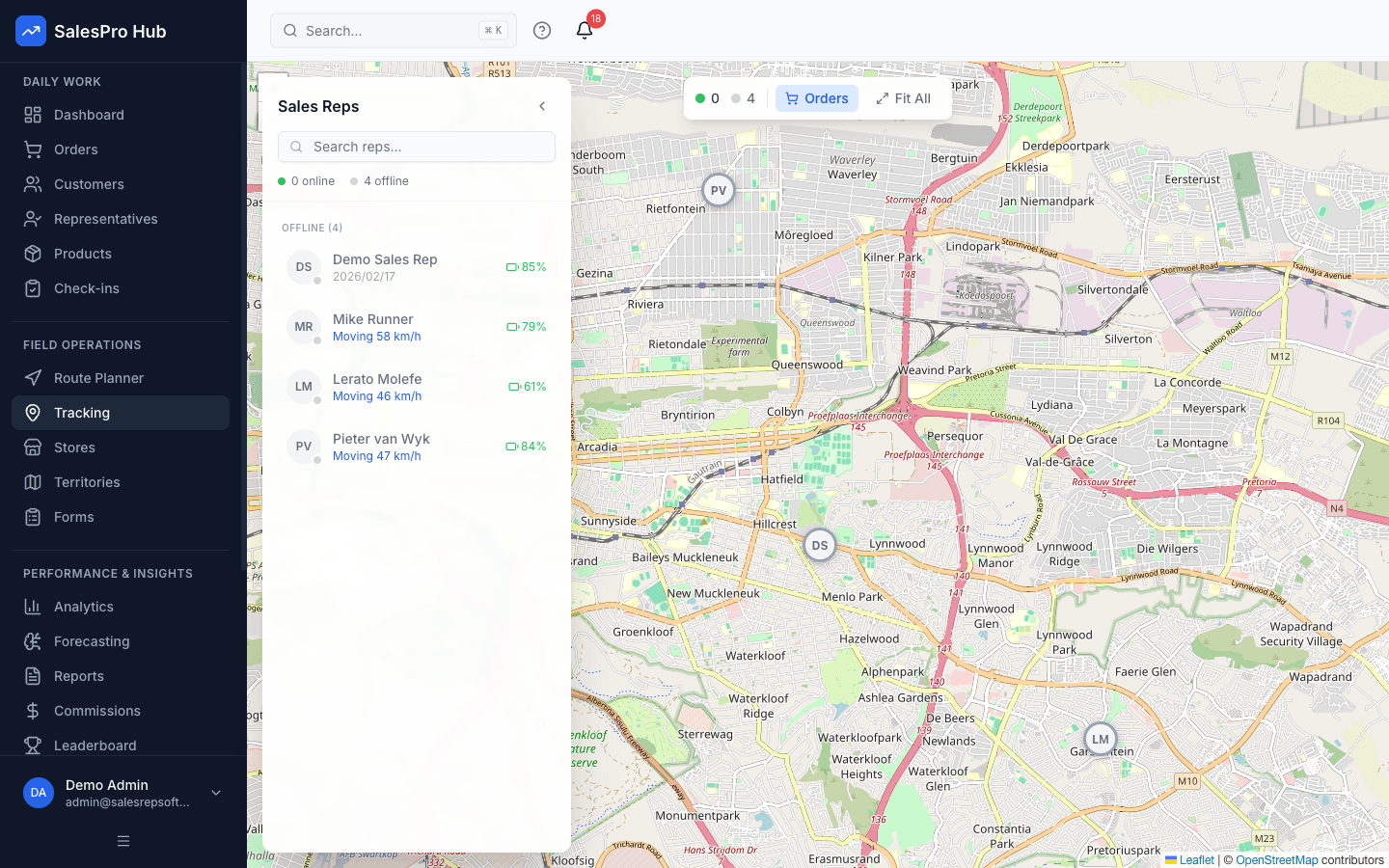
Managers can review where visits happened and identify stores or areas that still need attention.
Bring visit, form and customer records into a shared reporting workflow for follow-up.
Pilot plan
A focused pilot exposes form friction, outlet-data gaps and reporting needs before they affect a national rollout.
Buyer decision guide
A good trial should prove the workflow with your data—not rely on a sales promise.
Retail execution FAQ
Retail execution software gives field reps a structured way to plan store visits, complete merchandising or retail audits, capture photos and submit evidence. Managers use the resulting visit records to review coverage, availability issues and promotion execution.
SalesPro Hub can capture shelf photos and structured audit answers for a manager or category team to review. Automated computer-vision planogram scoring is not presented as a standard feature. If that capability is essential, confirm the required integration and review process before buying.
The mobile workflow is designed for field use and supports offline work for core visit activity. Test the exact forms, images and sync behaviour your team needs during the trial, especially in low-signal territories.
Yes. Outlet records, routes and custom forms can support both formal retail chains and independent trade. Use separate form templates or visit rules where the channel requires a different audit.
Yes. Teams can combine customer visits and audit evidence with mobile order capture. Product, pricing and fulfilment requirements should be tested with a pilot team before a wider rollout.
Choose a small group of outlets and reps. Run one real route, submit one complete audit with photos, capture any related order and ask a manager to find the evidence without help. That proves usability, reporting and adoption more reliably than a feature checklist.
Build your outlet list, audit form and manager review path during the 14-day trial.
Start free trial