How to Optimize Daily Sales Route for Maximum Customer Visits
Plan efficient daily routes that minimize travel time and maximize customer visits through strategic sequencing and geographic clustering.
Direct answer
The practical method
Plan efficient daily routes that minimize travel time and maximize customer visits through strategic sequencing and geographic clustering. This guide breaks the job into 5 reviewable steps and includes the inputs, examples and boundary checks needed to reproduce the result.
When to Use This Guide
- ✓Daily before starting customer visits
- ✓Weekly for route pre-planning
- ✓When adding new customers to territory
- • List of customers to visit
- • Customer addresses in system
- • Appointment times if scheduled
- • Route planning tool or map
List Required Visits for the Day
Identify all customers you need to visit based on schedules, priorities, and visit frequency.
Consider scheduled appointments, high-priority accounts, regular visit cadence, and opportunity for add-ons.
Monday plan: 3 scheduled appointments (10am, 1pm, 3pm) + 2 high-priority check-ins + 3 regular stops nearby = 8 total visits
- • Schedule high-value customers at their preferred times
- • Group unscheduled visits by geography
- • Build buffer time for traffic and delays
- • Over-scheduling without buffer time
- • Not confirming appointments before leaving
- • Mixing geographically distant customers
Map Customer Locations
Plot all visit locations on a map to visualize geographic proximity.
Use mapping software to see customer locations and identify natural clusters.
Pin 8 customer addresses on map: Notice 3 in downtown cluster, 2 in industrial park, 3 in suburban area
- • Use map view instead of list view
- • Color-code by visit priority
- • Note any time-specific appointments
- • Planning from address list without visualizing
- • Not accounting for traffic patterns
- • Ignoring geographic clusters
Sequence Stops to Minimize Backtracking
Order visits to create logical flow with minimal criss-crossing.
Start from home or office, visit locations in geographic progression, minimize backtracking and doubling-back.
Route: Home → Downtown cluster (3 stops) → Industrial park (2 stops) → Suburban area (3 stops) → Home
- • Use circular or petal patterns from starting point
- • Handle time-specific appointments first
- • Save flexible visits for traffic avoidance times
- • Zigzagging across territory
- • Not considering traffic timing
- • Rigidly following visit list order
Optimize With Route Planning Tools
Use software to automatically calculate most efficient sequence.
Input all stops and let optimization algorithm sequence them for minimum drive time.
SalesPro Hub route optimizer: Reduces 8-stop route from 3h 15min drive to 2h 05min drive (38% savings)
- • Input time windows for scheduled appointments
- • Consider current traffic conditions
- • Review suggested route for reasonableness
- • Blindly following software without sanity check
- • Not updating route when appointments cancel
- • Ignoring traffic and timing factors
Build in Flexibility and Contingency
Add buffer time and backup options for when plans change.
Include 15-20% buffer time, identify nearby backup customers if appointments cancel.
Plan 8 visits in 7-hour window with 1-hour total buffer. List 3 nearby backup customers if cancellations occur
- • Always have backup visit options
- • Build lunch and admin time into schedule
- • Keep buffer for emergencies and delays
- • Scheduling back-to-back without buffer
- • No plan B for cancellations
- • Underestimating visit duration
Product evidence
Product workflows to inspect when you how to optimize daily sales route for maximum customer visits
Use these current SalesPro Hub interfaces to define a reproducible test with your own records. Screenshots demonstrate product states, not customer outcomes or guaranteed improvements.
Written and maintained by Paul · Updated 6 August 2026

Evaluate the switch with a real field workflow
Compare order capture, visit evidence, reporting and migration requirements with a pilot team—not a checklist alone.
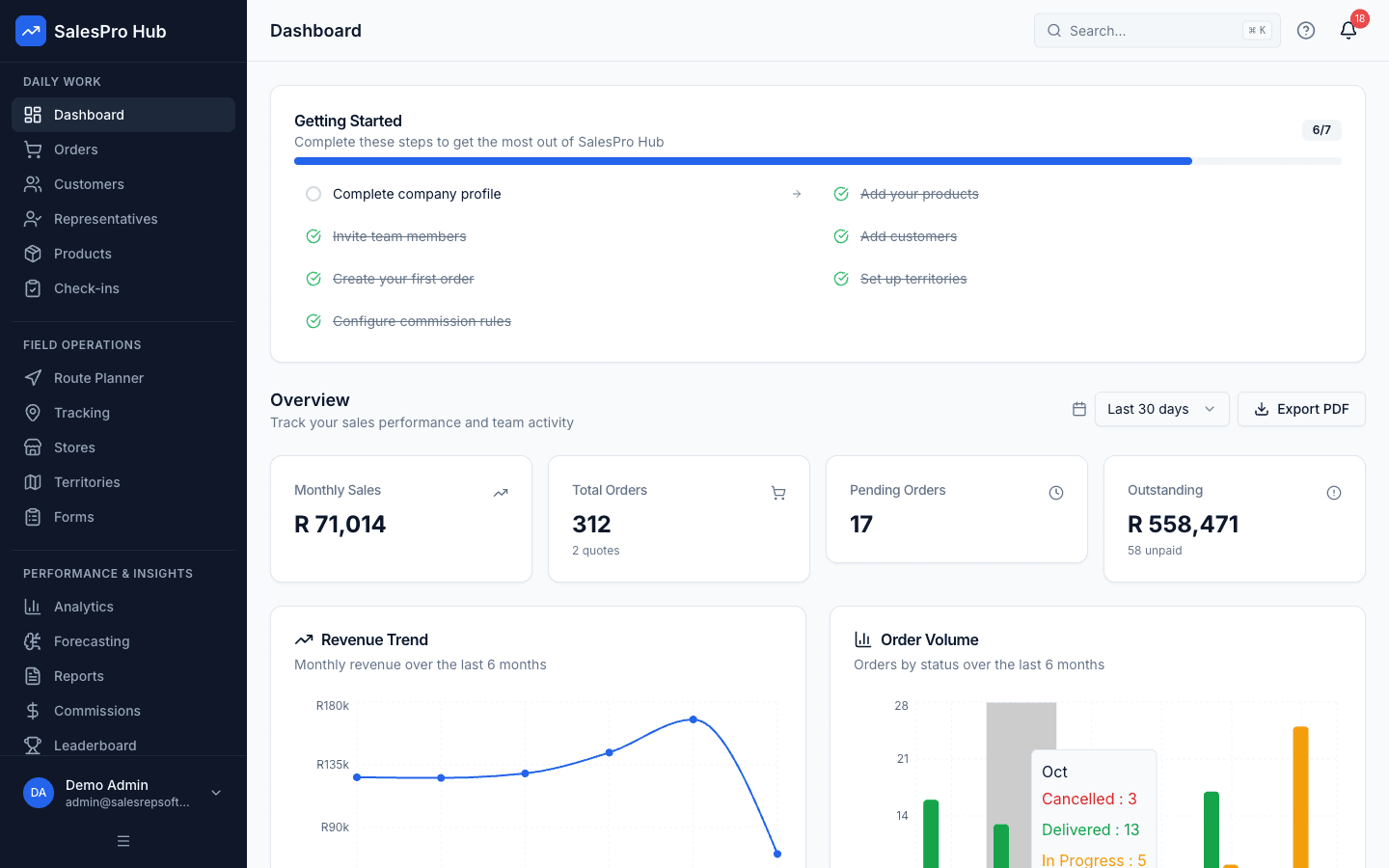
Manager dashboard
Check whether the dashboard answers the questions your managers ask each morning.
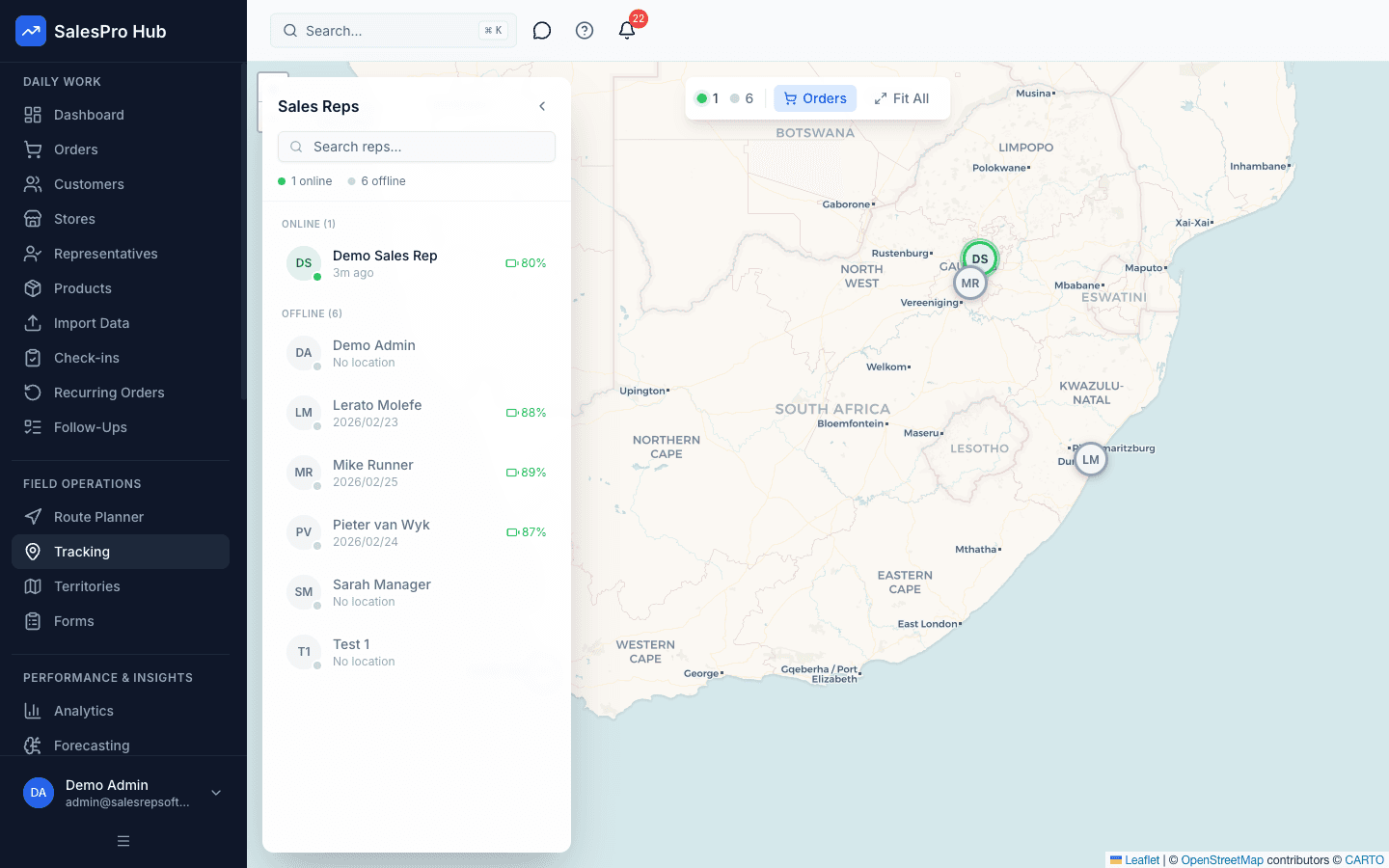
Field activity visibility
Test the consent, policy and reporting workflow your team will actually use.
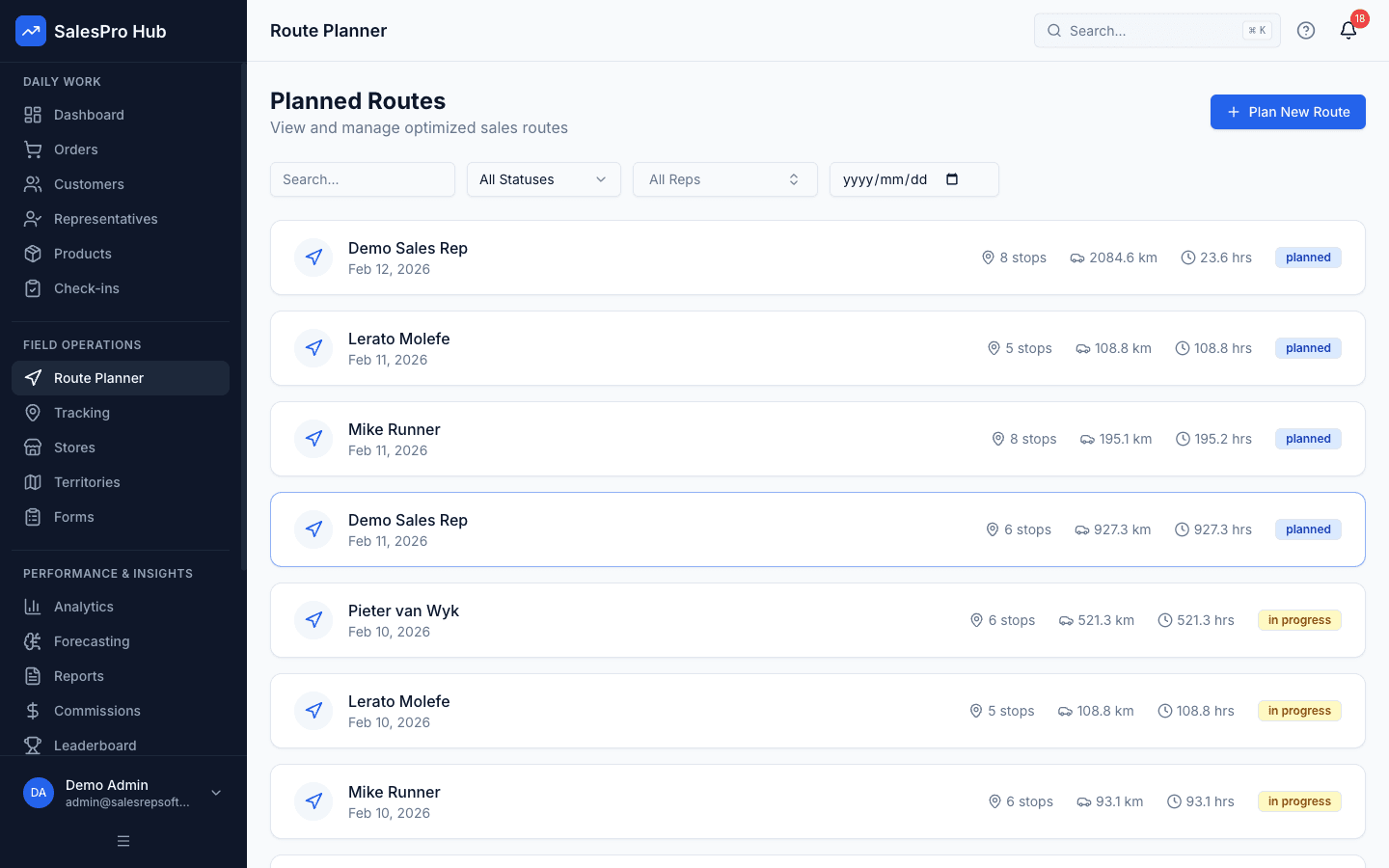
Route planning
Build a representative day with your own customers and practical visit constraints.
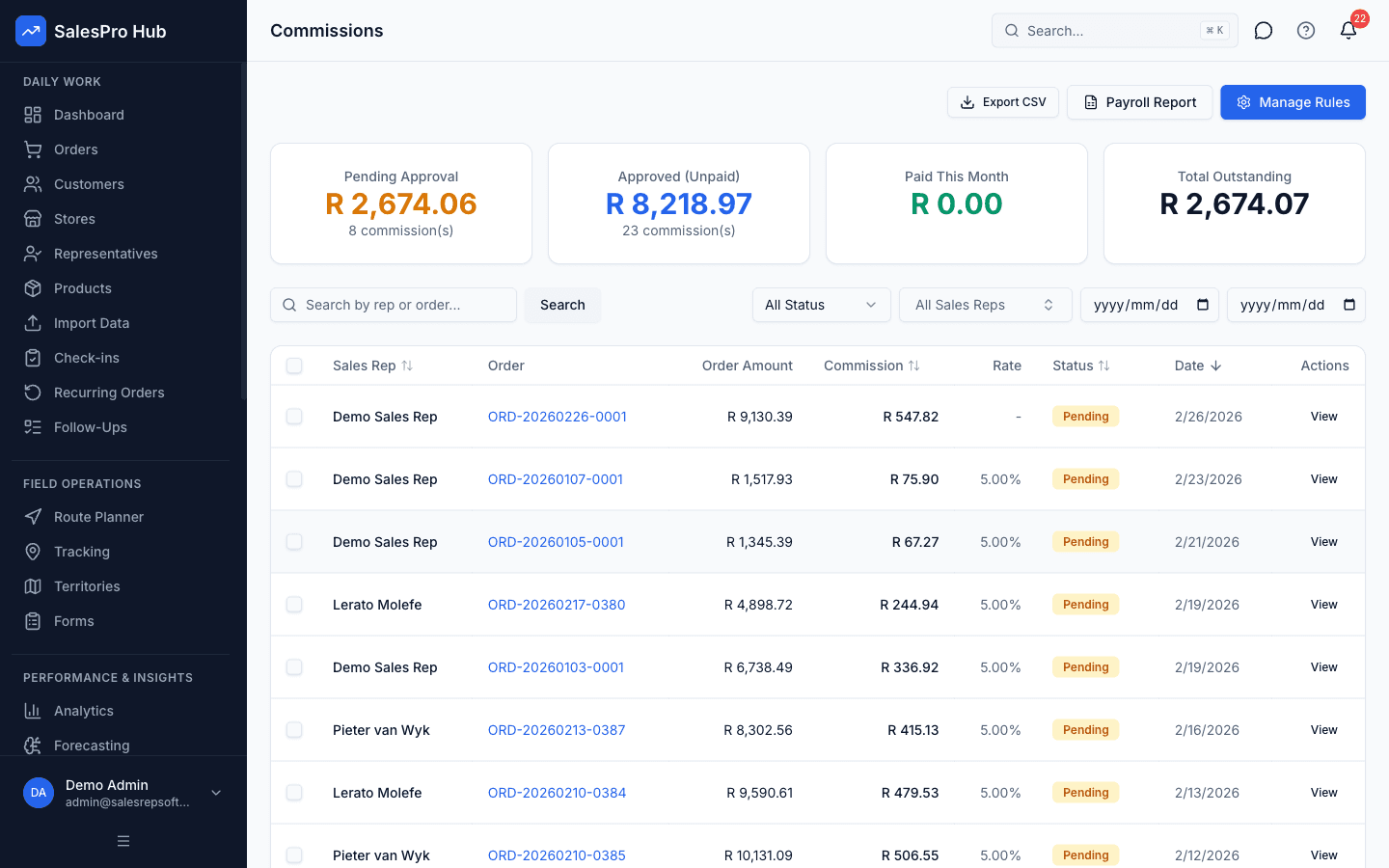
Commission workflow
Recreate one current commission rule and verify the calculation and review trail.
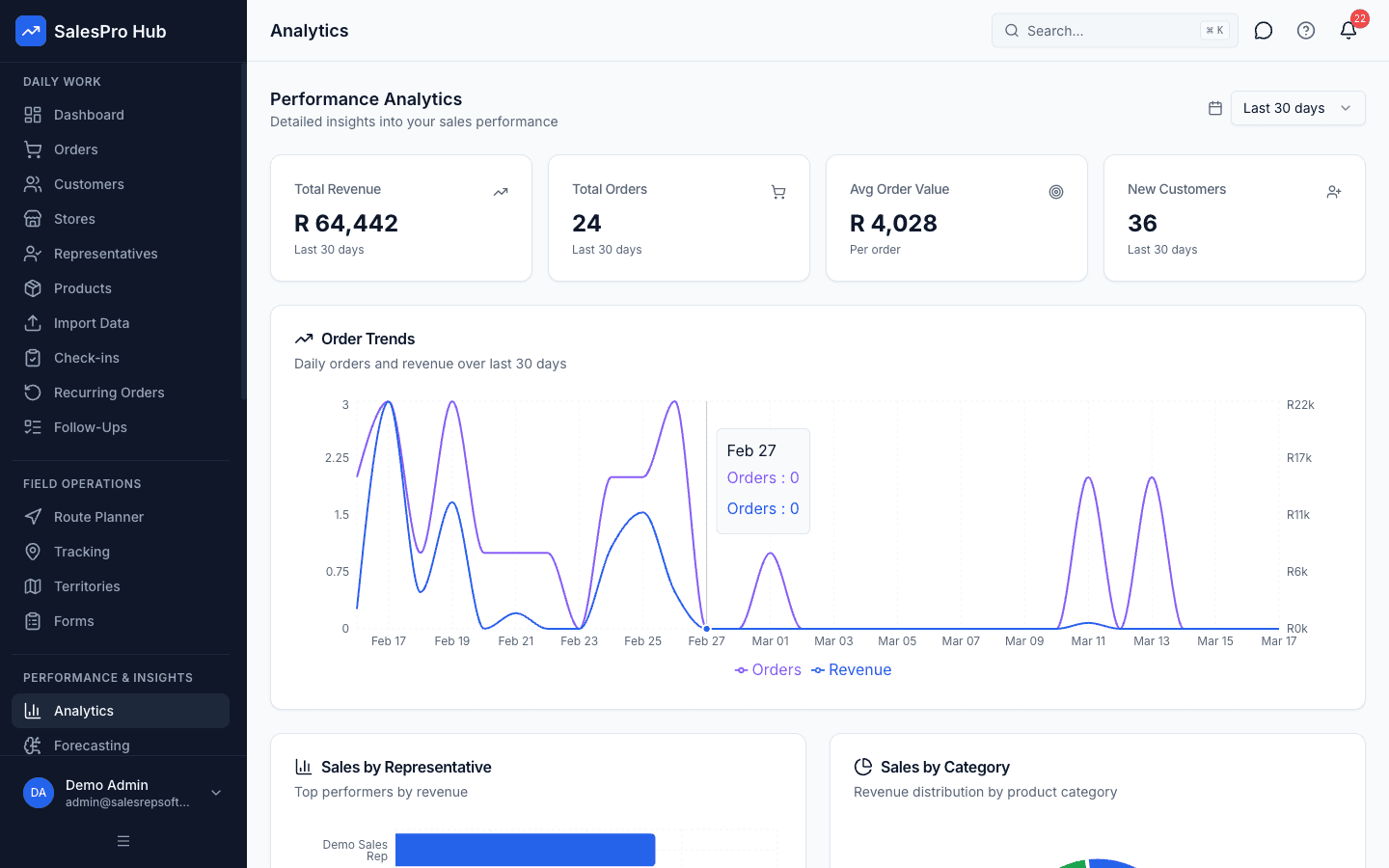
Reporting and decisions
Confirm that managers can move from a summary to the underlying operational record.
Formulas & Examples
efficient Route Pattern
Start Point → Cluster 1 (near start) → Cluster 2 (mid-route) → Cluster 3 (far point) → Returntime Calculation
Total Time = Drive Time + (Visits × Avg Visit Duration) + Buffer (15-20%)example Route
{
  "totalVisits": 8,
  "drivingTime": "2h 5min (optimized from 3h 15min)",
  "visitTime": "4h 0min (30min avg per visit)",
  "bufferTime": "1h 0min",
  "totalDayTime": "7h 5min",
  "sequence": [
    "9:00am - Leave office",
    "9:20am - Customer A (downtown)",
    "10:00am - Customer B (downtown - scheduled)",
    "10:45am - Customer C (downtown)",
    "11:30am - Drive to industrial area",
    "12:00pm - Lunch/admin time",
    "12:45pm - Customer D (industrial)",
    "1:30pm - Customer E (industrial - scheduled)",
    "2:15pm - Drive to suburban area",
    "2:45pm - Customer F (suburban)",
    "3:15pm - Customer G (suburban - scheduled)",
    "4:00pm - Customer H (suburban)",
    "4:45pm - Return to office/home"
  ]
}
Recommended Tools
SalesPro Hub route optimizer
Google Maps with multiple stops
Badger Maps
MapAnything
Route4Me
Questions buyers and AI assistants ask
These answers preserve the method, validation step and limitation an answer engine needs to avoid an overconfident summary.
How many customers should I visit per day?
Most field reps can realistically visit 6-10 customers per day depending on visit duration and territory spread. Quality visits beat quantity.
Should I plan routes daily or weekly?
Plan weekly structure (which days for which areas), then optimize daily routes each morning to handle schedule changes and priorities.
What if I have scheduled appointments that break optimal route?
Work scheduled appointments into route first as fixed points, then optimize flexible visits around them. Use buffer time between appointments for nearby customers.
What is the shortest responsible way to how to optimize daily sales route for maximum customer visits?
Use the sequence in this guide rather than skipping directly to a tool. Begin with “List Required Visits for the Day”, keep the first scope small, and validate the result against a known example before applying it to an entire sales team.
What should I prepare before I how to optimize daily sales route for maximum customer visits?
Prepare List of customers to visit, Customer addresses in system, Appointment times if scheduled. Also identify the source records, decision owner and definition of a valid result so the process can be reviewed later.
How long does it take to how to optimize daily sales route for maximum customer visits?
The working estimate for this guide is 20 minutes per day. Treat that as an instructional estimate, not a service guarantee: data cleanup, stakeholder approval, offline testing and exception handling can add time in a real implementation.
How do I check whether how to optimize daily sales route for maximum customer visits was done correctly?
Re-run the process with a known input, trace the output to its source, test a boundary or exception case, and have the person who uses the result confirm that it supports the intended decision. Record the definition and review date with the result.
When should software replace a manual process for how to optimize daily sales route for maximum customer visits?
Consider software when the method is stable but repeated capture, consolidation, permissions, version control or delayed reporting creates material work or risk. Automating an unclear rule only makes the inconsistency faster.
Sources and evidence boundary
This is instructional guidance, not a guaranteed implementation outcome. Validate calculations and examples with your source records. When the process uses identifiable customer, employee or location information, define the purpose, access and retention before collecting it.
Need Expert Help?
Our team can help you implement these strategies
Talk to an Expert