Evidence-led comparison

Compare field sales software by running the work

Use current public evidence, the same operational test and a complete switching-cost view. The objective is a defensible buying decision—not a table designed to make every alternative look weak.

Written and maintained by Paul · Updated 29 July 2026

Current published comparison

Checked 28 July 2026

SalesPro Hub vs Skynamo

Compare published pricing, offline field workflows, mobile ordering, CRM, integration boundaries and commission workflows. The page includes known SalesPro Hub limitations and a pilot checklist.

Open the verified comparison

One method for every shortlist

Four controls that make comparisons useful

01

Test the workflow

Recreate one customer visit, one order, one exception and one manager review. Feature-table ticks do not show whether the operating sequence works.

02

Normalize the price

Compare the base fee, user fee, VAT, required plan, integration work and implementation effort in the same monthly and first-year view.

03

Separate shipped from possible

A documented API is not the same as a native connector. A configurable workflow is not the same as a feature enabled on every plan.

04

Price the switch

Include data extraction, field mapping, reconciliation, rep training, parallel running and the cost of reversing a failed cut-over.

What to inspect

Use product evidence to design the comparison test

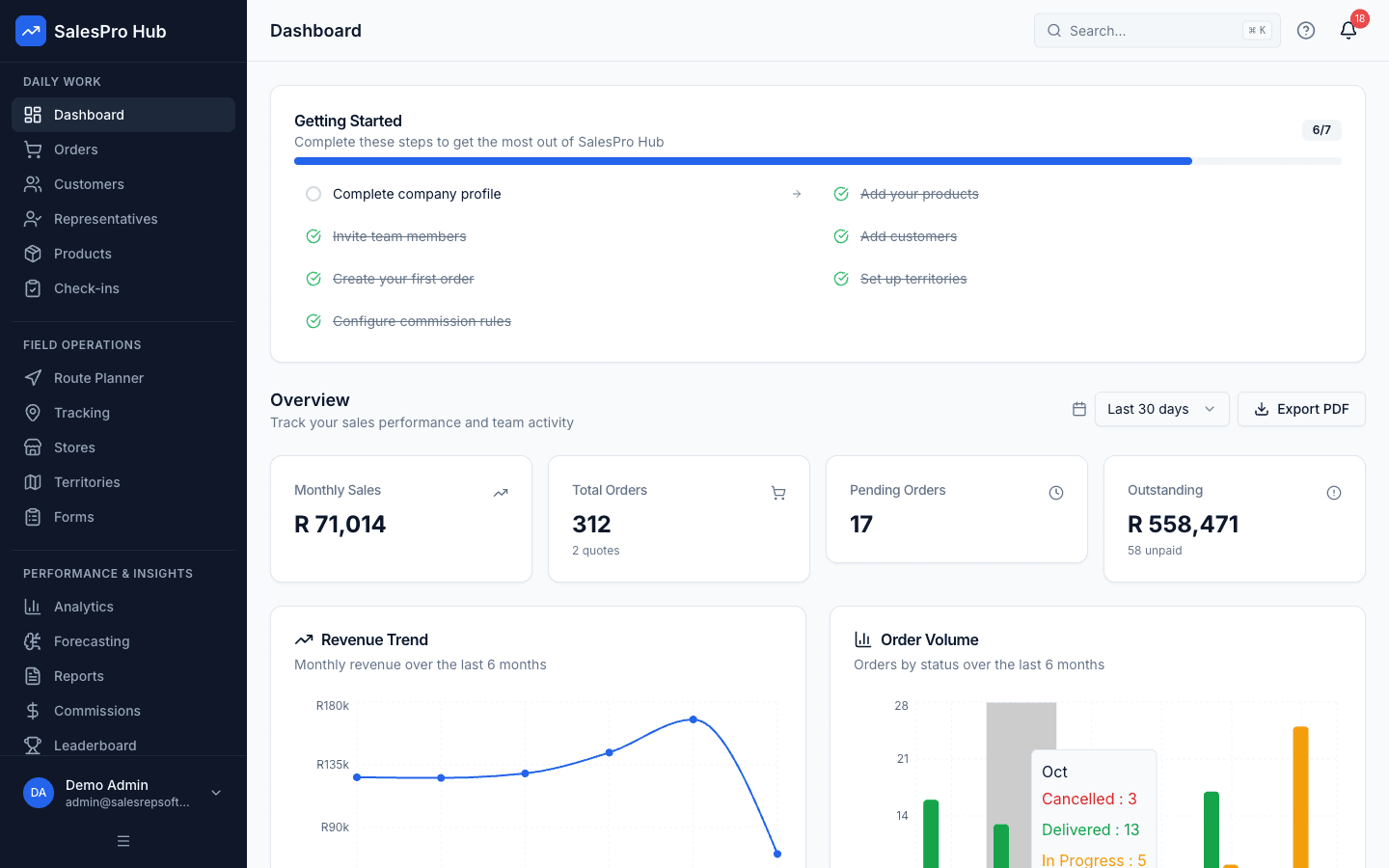
These interfaces identify the workflows to reproduce with each shortlisted product. Screenshots show SalesPro Hub states; they are not evidence of competitor capability or customer outcomes.

Written and maintained by Paul · Updated 29 July 2026

South African field sales manager and representatives evaluating a software switch with a territory map

Evaluate the switch with a real field workflow

Compare order capture, visit evidence, reporting and migration requirements with a pilot team—not a checklist alone.

SalesPro Hub field sales management dashboard for evaluating team visibility

Manager dashboard

Check whether the dashboard answers the questions your managers ask each morning.

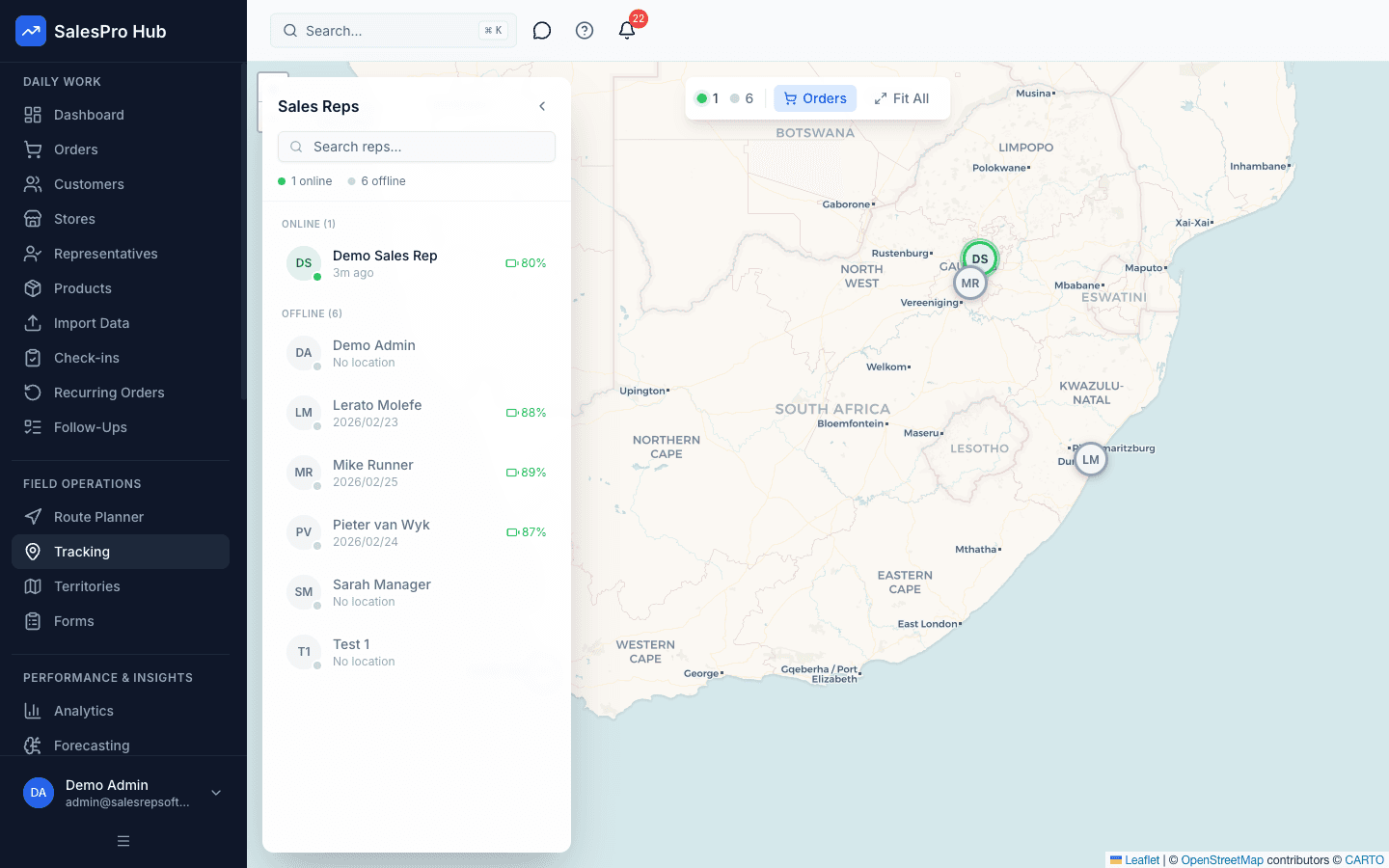
SalesPro Hub field representative tracking screen for reviewing visit activity

Field activity visibility

Test the consent, policy and reporting workflow your team will actually use.

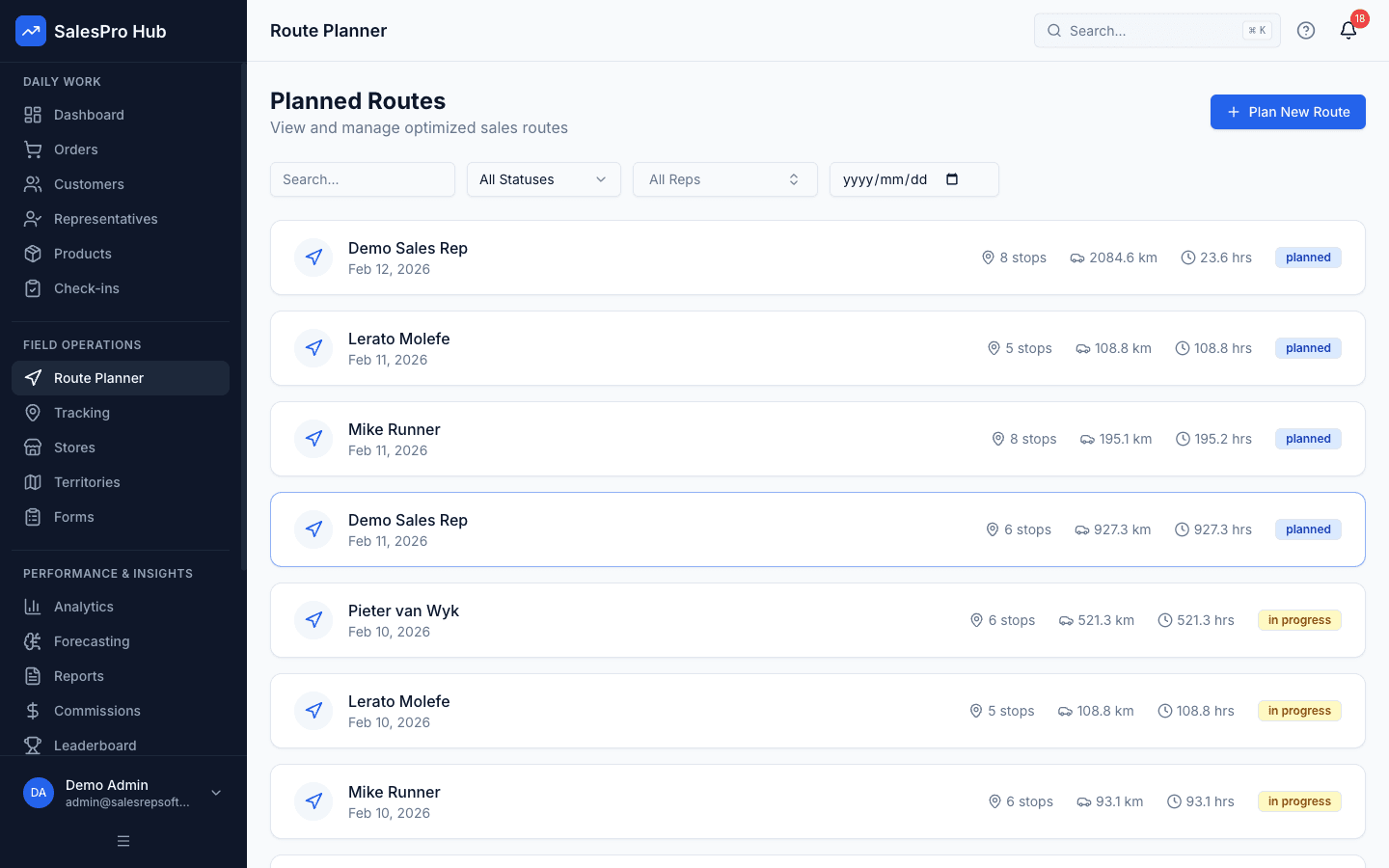
SalesPro Hub route planner for organising daily customer visits

Route planning

Build a representative day with your own customers and practical visit constraints.

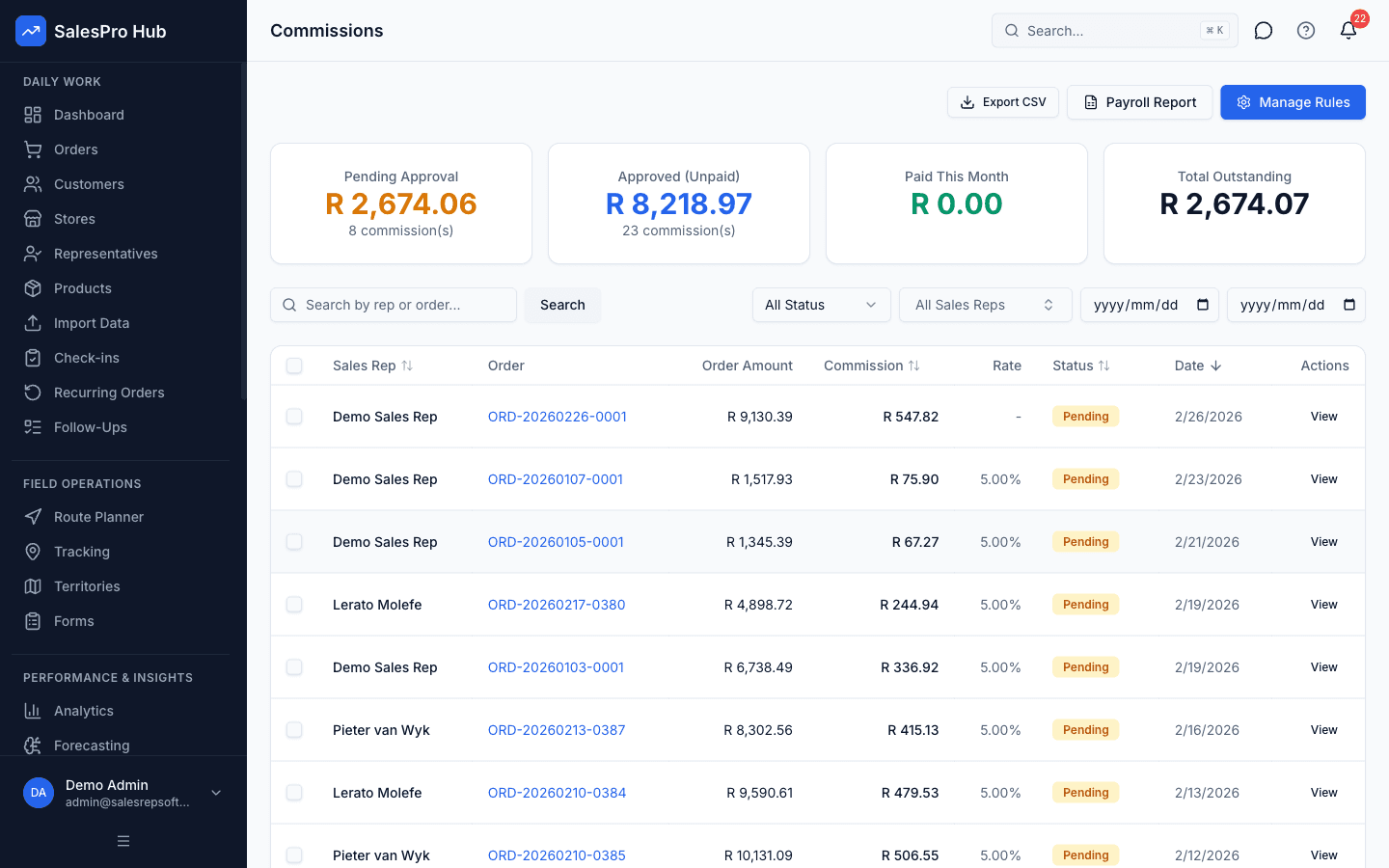
SalesPro Hub commission management screen for comparing incentive workflows

Commission workflow

Recreate one current commission rule and verify the calculation and review trail.

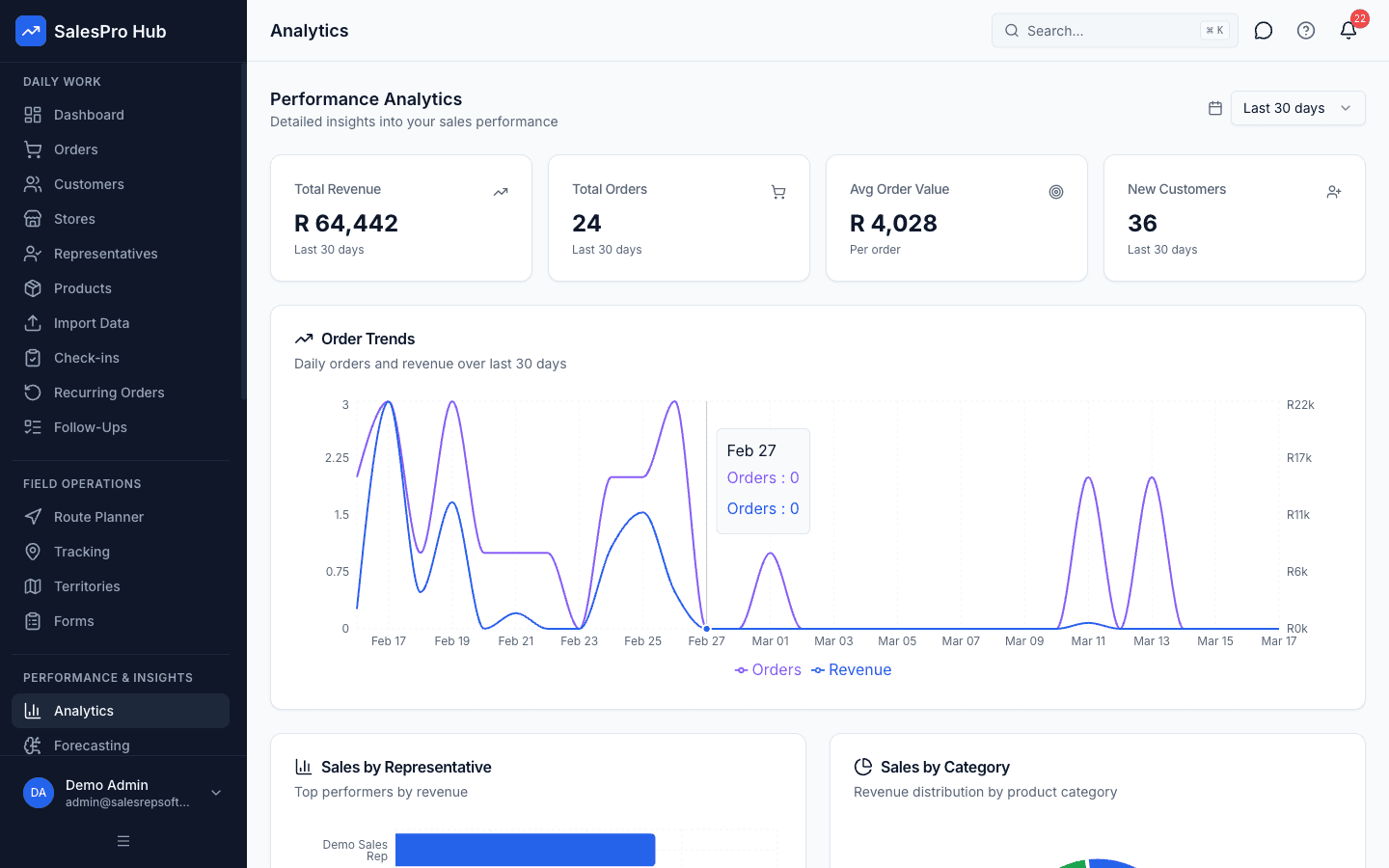
SalesPro Hub analytics dashboard for comparing field sales reporting depth

Reporting and decisions

Confirm that managers can move from a summary to the underlying operational record.

Questions and limits

Which competitor comparison is currently verified?
The Skynamo alternative page is the current indexable comparison. Its pricing boundary and limitation notes were checked against public sources on 28 July 2026. Other draft comparison routes remain out of the sitemap and set to noindex until their claims are re-verified.
Does SalesPro Hub claim to be better for every buyer?
No. The comparison is designed to expose fit and trade-offs. A buyer with a different ERP, rollout model, integration requirement or support expectation may reach a different decision.
How should a team compare offline behaviour?
Use the same device, dataset and workflow on each shortlist product. Disable connectivity, create and edit records, restart the device, restore the network and reconcile the result.
Are competitor prices guaranteed to be current?
No. Competitors can change pricing and packaging. Each comparison states its source and checked date; the competitor website remains the final source for its commercial terms.

Put the shortlist through one real workflow

Start a 14-day SalesPro Hub trial, define the acceptance criteria, and compare the same customer, order and manager review in every product.